
Reinfluence for hospitality
Run the floor, the kitchen and the bill from one system.
Take orders at the table or the counter, send them to the kitchen, let guests order and pay from their phone, and give every guest a tax invoice.
Everything a service needs
Tables and counter orders
See every table and every open order on one floor screen, and start eat-in, takeaway or delivery orders without a table.
A kitchen screen
Sent items reach the right station with the table, the options chosen and the notes. Ready plates alert the server who took the order.
Guests order and pay
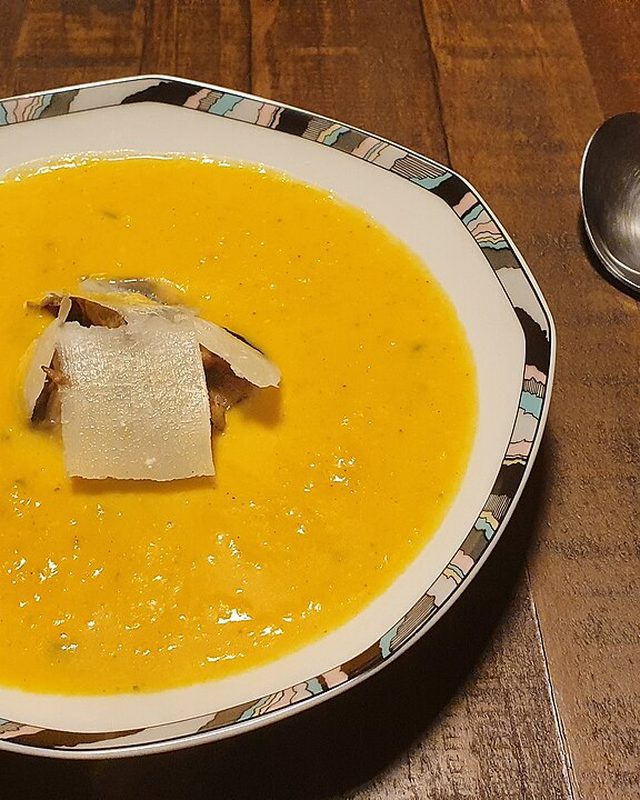
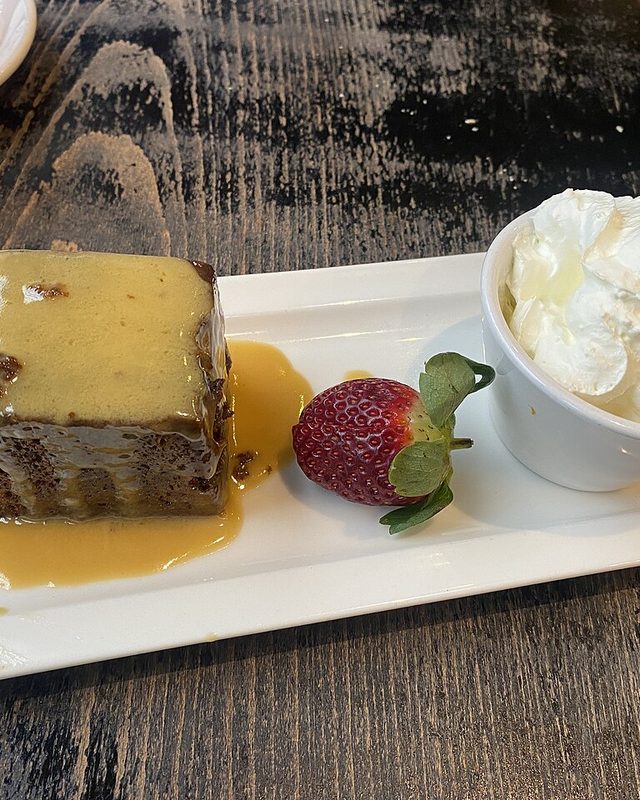
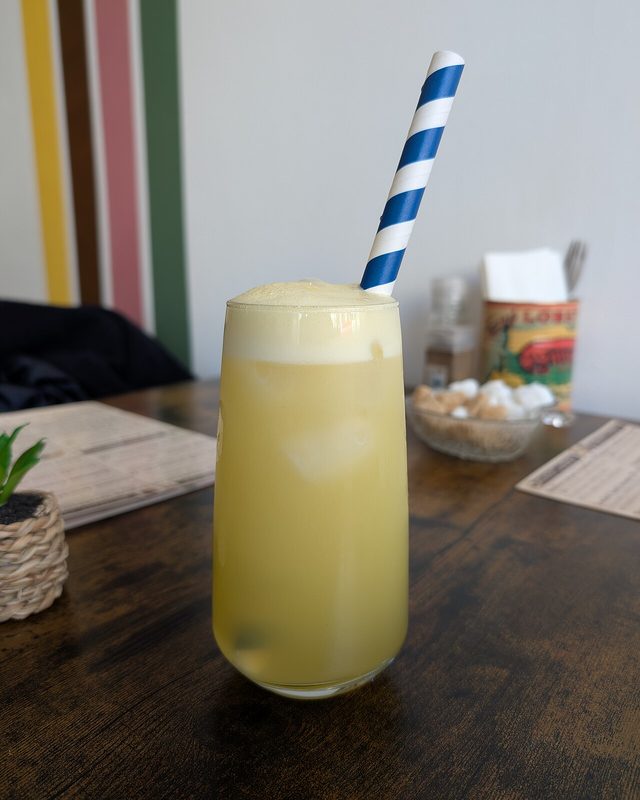
Each table has a QR code. Guests scan it, order from the menu with photos and pay for their items or the whole table.
Codes for signs and flyers
A venue-wide code takes pickup orders from a window or a flyer, and a code for one item takes payment for it without a website.
Stock that follows the menu
Recipes take ingredients off as orders are sent, and dishes switch themselves off when an ingredient runs out.
Tabs for companies
Charge orders to company accounts with a credit limit and send statements that show what is overdue.
Every plate, from order to table.
The kitchen sees the order the moment it is sent.
Each ticket shows the table, the options chosen and the notes, and ready plates alert the server who took the order.
See the kitchen screen
Grow trust with every order
Guests leave when ordering is slow or paying is awkward. Make both quick, and give them a proper invoice at the end.
Faster tables
Guests order and pay from their phone, so servers spend their time on the floor instead of at the till.
Fewer mistakes
The order goes straight to the kitchen with the options and notes the guest chose, with nothing to copy across.
Clear records
Every payment becomes an order and a tax invoice, and tips stay out of sales and tax.
Make ordering and paying easy for guests
Guests scan a code on the table or a sign, order from the menu and pay from their phone. No app to install.
- Table codes
- Each table has its own QR code. Guests order from a menu with photos.
- Pay for your items
- Guests pay for their own items or for the whole table.
- Codes for signs
- A venue code takes pickup orders from a window or a flyer.
- Codes for one item
- A code for a single item or deposit takes payment without a website.
Take payment at the till, any way the guest pays
Servers open a table or a counter order, send items to the kitchen and close the bill.
- Many ways to pay
- Take cash, card, mobile money or a QR payment, and combine them on one bill.
- Tips
- Add a tip to the payment. It is recorded apart from sales and tax.
- Sign-in per person
- Each server has a staff ID and code, and sees only what their role needs.
- Tax invoices
- Every paid order produces an original tax invoice you can email or print.
Keep the kitchen and the floor in step
Every sent order reaches the kitchen with the table, the choices and the notes.
- Kitchen screen
- Tickets arrive by station with the table and the notes.
- Ready alerts
- The server who took the order is told when a plate is ready.
- Floor view
- See every table and open order on one screen.
- Sold out in time
- Dishes switch themselves off when an ingredient runs out.
Run the back office from the same system
Company tabs, stock and tax invoices follow from the orders you already take.
- Company tabs
- Charge orders to accounts with a credit limit and send statements that show what is overdue.
- Stock
- Recipes take ingredients off as orders are sent. Record deliveries, waste and counts.
- Suppliers
- Keep supplier details and email a reorder when stock runs low.
- Reports
- Review sales and tax for any period.
Good for every kind of venue
The same system fits each way a guest can be served.
Restaurants
Tables, a kitchen screen and a bill for the whole table or each guest.
Cafes and counters
Counter orders need no table, and a venue code takes pickup orders.
Bars and lounges
Open a tab for a table, add rounds as they come and close it when guests leave.
Lodges and guest houses
Charge meals and extras to a company account and send a statement.
Takeaway and delivery
Start orders without a table and track each one to the kitchen.
Events and stalls
A code for one item takes payment for tickets, deposits or set menus from a phone.
How it works
- 1
Set up your menu and tables
Start from a ready-made menu and eight tables, then edit them.
- 2
Take orders
Servers use the till, or guests order from their phone.
- 3
Cook and serve
The kitchen screen shows each ticket and tells the server when a plate is ready.
- 4
Get paid
Take cash, card, mobile money or a QR payment, and send the tax invoice.
The parts of the platform you will use
Point of sale
Orders and payments at the till, the counter or the table, on any touch screen.
Learn moreKitchen screen
For restaurants, cafes and bars: tickets with the table and every choice.
Learn moreQR ordering
Customers order and pay from their own phone.
Learn moreCompany accounts
Tabs, credit limits and statements for companies.
Learn moreInventory
Stock, recipes and suppliers that follow your sales.
Learn moreTax invoices
Original tax invoices with a code that verifies them.
Learn more
Questions
Can several servers use it at once?
Yes. Each person has a role and signs in at the till with a staff ID and code.
Do guests need an app?
No. They scan the code and use their phone's browser.
Does it work for a counter-service cafe?
Yes. Counter orders need no table, and a venue order code can take pickup orders.
Start selling with Reinfluence
Create your account, add what you sell and take your first payment today.